
Use the download panel to check source and file status.
Download & Android guide
Insta Pro APK download for Android
Use the APK download, compare its file details, and follow the Android guide for a first installation or an update.
Independent guidance · no affiliation with Instagram, Meta or the Insta Pro developer.
THE QUICK TAKE
Before you begin.
An APK is an Android package, not an iPhone installer.
Keep Play Protect on when reviewing an outside-store app.
What is Insta Pro?
Insta Pro is commonly used to describe modified Instagram clients for Android. It is separate from the official Instagram app published by Meta Platforms, Inc. “Pro” in the name does not make it a Meta product.
The download panel is the place to check which source, file and release details are available. When it shows “Not verified,” that information has not been established for a package offered by this site.
Select the APK button to see a five-second countdown before the download begins. If your browser displays a save-file prompt, confirm it and check the completed file in Downloads. This retrieves an installation package; saving a reel, story or photo is a separate action inside a client.
Want the official app?
Get official Instagram on Google Play. This is Meta’s app, a separate option from a modified Insta Pro APK.
Insta Pro latest version in 2026: what to compare
“Latest version,” “new version” and “latest version download” describe the same need: a current file that fits your phone and, for an update, belongs to your installed app. Compare the package’s own version with its source record. A page date, screenshot or filename cannot establish that relationship.
The file supplied for this website
Static inspection found the app label “Instpro,” Android manifest version 300.0.0.29.110 and package com.ins2.tukpcn. This identifies the package’s technical version; it does not establish an Insta Pro marketing release such as v15.80. The file record shows the measured details for this destination.
| Your question | What to check | Continue here |
|---|---|---|
| Is v15.80 the current release? | Compare the exact file’s version with the release record. A v15.80 download label on another website does not establish the version of this destination. | File and source record |
| Can I update the app I already use? | Match package identity, signing continuity and Android requirements. A larger visible version number alone is insufficient. | Check an Insta Pro update |
| Should I download an old version? | Identify the problem first. An older package can be refused as a downgrade or fail to work with current app data or the service. | Older-version guidance |
Looking for an Insta Pro APK on Uptodown?
This site’s button uses the supplied destination shown in its download panel. It does not claim to be an Uptodown download or an official publisher listing. When comparing another listing, match its app name, developer, package identifier and file version rather than treating a similar name as the same client.
Insta Pro feature terms, explained
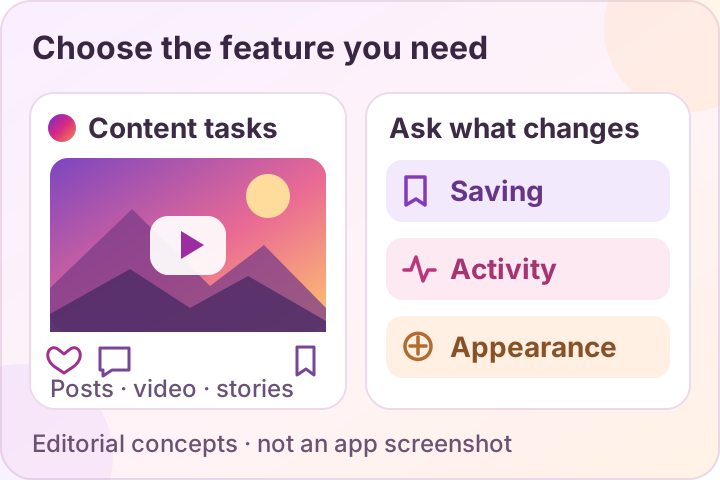
Modified-client pages often advertise saving tools, activity controls and themes. Here is what those terms mean and what to check. These are explanations of claims, not a tested feature list for a build on this site.
Media saving
Saving a file to your phone is different from bookmarking a post inside an app. Photos, videos, reels and stories are separate cases to check.
Check: Which types are supported, where each result goes and whether an image opens or a video plays. Support for one type does not establish support for the others. See saving and missing-file checks.
Tradeoff: Saved media uses storage, and downloading does not give you permission to reuse someone’s work.
Quality and data use
A quality setting describes an intended output, not a measured result.
Check: Compare dimensions, playback and file size for the same permitted sample. No test here establishes a maximum resolution or faster transfer speed.
Tradeoff: Larger files can use more data and storage. Choose the quality you need rather than a number in an advertisement.
Activity or “ghost” controls
These labels can refer to online status, message receipts or story-view indicators. They are separate actions.
Check: Name the exact indicator a setting changes and its stated limits.
Tradeoff: A hidden label does not establish what the service records, what another account sees or how your data is handled.
Multiple-account convenience
Switching accounts is a convenience question; it is not evidence of a separate security boundary.
Check: Whether the relevant build can add and switch the accounts you need without unexpectedly signing one out.
Tradeoff: The same client participates in each signed-in session. Review account-security considerations before adding another account.
Themes and dark mode
A theme changes the visual presentation. It does not establish extra account protection.
Check: Which colors or interface elements change, whether text remains readable and whether your choice survives a restart.
Tradeoff: A theme from another build may not be available in yours. Check the official app’s current appearance options first.
Text and layout controls
Font size, font style and layout density affect different parts of readability.
Check: Which text the option changes and whether larger text clips labels or hides buttons.
Tradeoff: A compact layout can fit more content while making controls harder to read or tap. Use the setting that helps you complete the task.
What does an “ad-free” claim cover?
Ask which surfaces it covers: the feed, reels, stories or other places you use. An in-app advertisement, a creator’s sponsored post and an advertisement on a download website are different things. Only a documented check of an identified build can establish what changed; no build has been tested here to confirm ad removal.
First check the official app for the particular action you need. Its features can vary by account and region. Use the Insta Pro and Instagram comparison to weigh features alongside updates and support.
Will the APK work on your phone?
Match your phone to the actual package requirements. An APK does not install natively on an iPhone or Windows PC.
The supplied package declares Android 9 or later (minimum API 28), and its native libraries are included for arm64-v8a, the 64-bit ARM architecture. Check both the Android version and the phone’s supported architecture. Meeting these package requirements does not establish that installation, sign-in or every feature works on your device; no hands-on test has been performed here.
| Check | Why it matters |
|---|---|
| Android version | The supplied package declares minimum API 28, corresponding to Android 9. A newer Android version alone does not establish runtime compatibility. |
| Phone architecture | The supplied native libraries are arm64-v8a. This package should not be described as supporting every 32-bit phone or every x86 emulator. |
| Storage | Leave room for installation and app data. The download’s file size is not the total space the app will use. |
| Package identity | A different package identifier can mean a separate app rather than an update to the one you already use. |
| Signing identity | An update needs compatible signing identity. A familiar icon or matching app name cannot establish this. |
Keeping Insta Pro beside official Instagram depends on the exact packages. Use the package and signing checklist before replacing an installed app.
What about an iPhone or computer?
| Device | Useful option | What to check |
|---|---|---|
| Android phone | Compare the package’s requirements with your phone. Official Instagram on Google Play is a separate app choice. | The exact release’s Android minimum, package identity and source record. |
| iPhone | Official Instagram on the App Store. An Android APK is not a native iPhone installer. | The listing’s current compatibility details. No Insta Pro iOS distribution has been verified here. |
| Windows PC or another computer | Instagram’s website is an official access route. An Android emulator is a separately configured Android environment. | The emulator’s host requirements and actual app compatibility. An APK does not install as a native Windows app. |
Android’s emulator documentation explains its simulated-device environment and computer requirements. It does not establish that a modified Instagram client works there; no such setup has been tested for this guide.
Visual checklists for the installation process
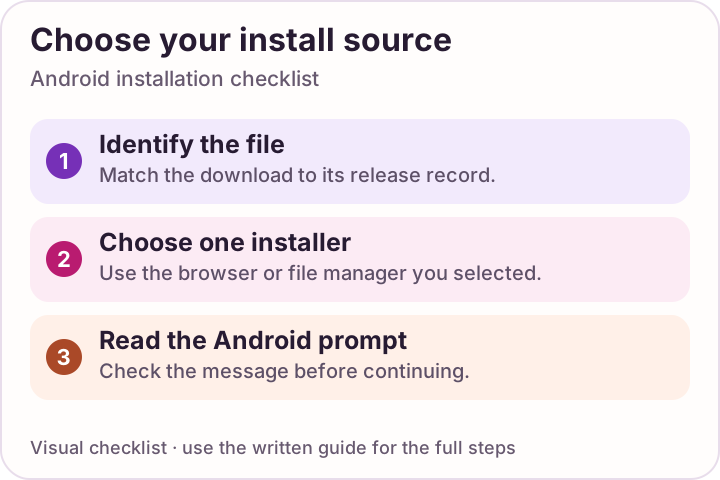
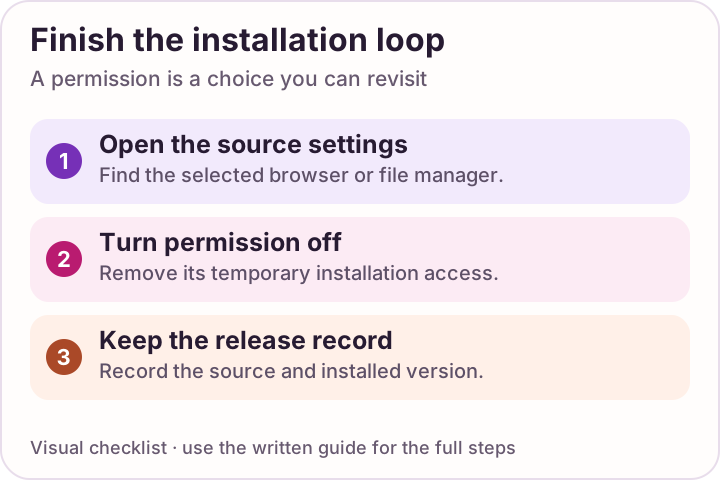
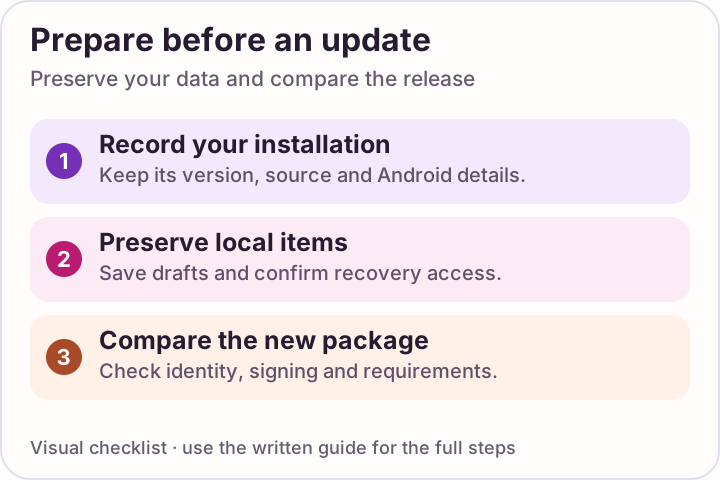
Use the diagrams to keep track of source checks, the installer permission and cleanup. They show a process rather than reproduce an app or Android screen. Follow the wording displayed on your own device.
Swipe through the checklists, or open a diagram to read it at full size.
 Enlarge checklist
Choose one installer
Allow installation only for the app you deliberately chose. Stop if Android raises a security warning.
 Enlarge checklist
Close the permission loop
After installation, turn the selected installer permission off again.
 Enlarge checklist
Compare before updating
Review package identity and signing continuity before replacing an installation.
A short installation checklist
01
Check the source
Identify the publisher and exact release before opening the file. Do not rely on a filename such as “latest.apk.”
02
Prepare your phone
Check Android compatibility, free space and any local drafts you need to preserve.
03
Read the prompts
Use only the chosen installer’s permission. Keep Play Protect on and stop at a security warning.
04
Close the permission
Turn off that browser or file manager’s installation permission after the attempt.
See how to install Insta Pro on Android for the full sequence. If Android refuses the file, start with checks for the app not installed error.
Before you sign in
An unofficial client participates in your account session. A matching file hash, valid signature or clean scan cannot guarantee that it handles your login or data safely.
Review permissions and account risks, then decide whether the extra feature you want justifies a change. This independent guide is not affiliated with Instagram, Meta or an Insta Pro publisher.
A FEW MORE ANSWERS
Questions, answered.
Where can I download the Insta Pro APK?
Use the APK button in the download-options panel. It shows a five-second countdown before opening the supplied download destination. The official Instagram Google Play link is a separate app choice.
What is the latest Insta Pro version?
Read the version and source details in the file record. A version extracted from a package identifies that file; establishing that it is the latest release also requires a current publisher record. A newer number in a search result is insufficient.
Does the download button provide Insta Pro v15.80?
An Insta Pro v15.80 marketing label has not been established for this file. Static inspection found Android manifest version 300.0.0.29.110 and package com.ins2.tukpcn. The technical package version and a modified-client marketing release are different records.
Which Android version does the supplied APK require?
The package declares Android 9 or later, minimum API 28, and includes arm64-v8a native libraries for 64-bit ARM. These are file requirements, not a hands-on compatibility result. Installation, login and feature behavior have not been tested here.
Why does the download wait five seconds?
The countdown shows that the download request has started. After five seconds the browser opens the configured file destination. It is a waiting animation, not a virus scan or a progress measurement of the APK transfer.
What should I do if the APK download does not start?
Let the five-second countdown finish, then check the browser’s Downloads list and any save-file prompt. Check your connection and storage before retrying. The download completes before you open the APK; repeated clicks do not solve an installation error.
Is Instagram Pro an official Instagram upgrade?
No. The modified clients discussed here are separate from Meta’s official Instagram app. This site does not develop either app.
Can I use the same APK on an iPhone?
No. An APK is an Android package and does not install natively on iOS. An iPhone app needs its own legitimate distribution and compatibility information.
Does a clean antivirus scan prove the file is safe?
No. It is a result for particular bytes at a particular time. It does not guarantee safe data handling, account compatibility or absence of undetected behavior.
Sources & review notes
Official guidance reviewed 11 October 2026. The website owner supplied the download destination. Static package inspection established file size, hash, manifest version, package identifier, minimum Android API and included native-library architecture. This did not authenticate its publisher or test Android installation, login, features or account behavior.
- Official Instagram app on Google Play — Meta Platforms, Inc.
- Official Instagram app on the Apple App Store
- Google Pixel Help: downloading apps and installer permissions
- Google Android Help: Play Protect and harmful-app warnings
- Android Developers: declared minimum Android API level
- Android Developers: emulator environment and computer requirements
- Android Developers: package and version information
- Android Developers: version codes, compatibility and downgrade protection
- Android Developers: device architectures and arm64-v8a support